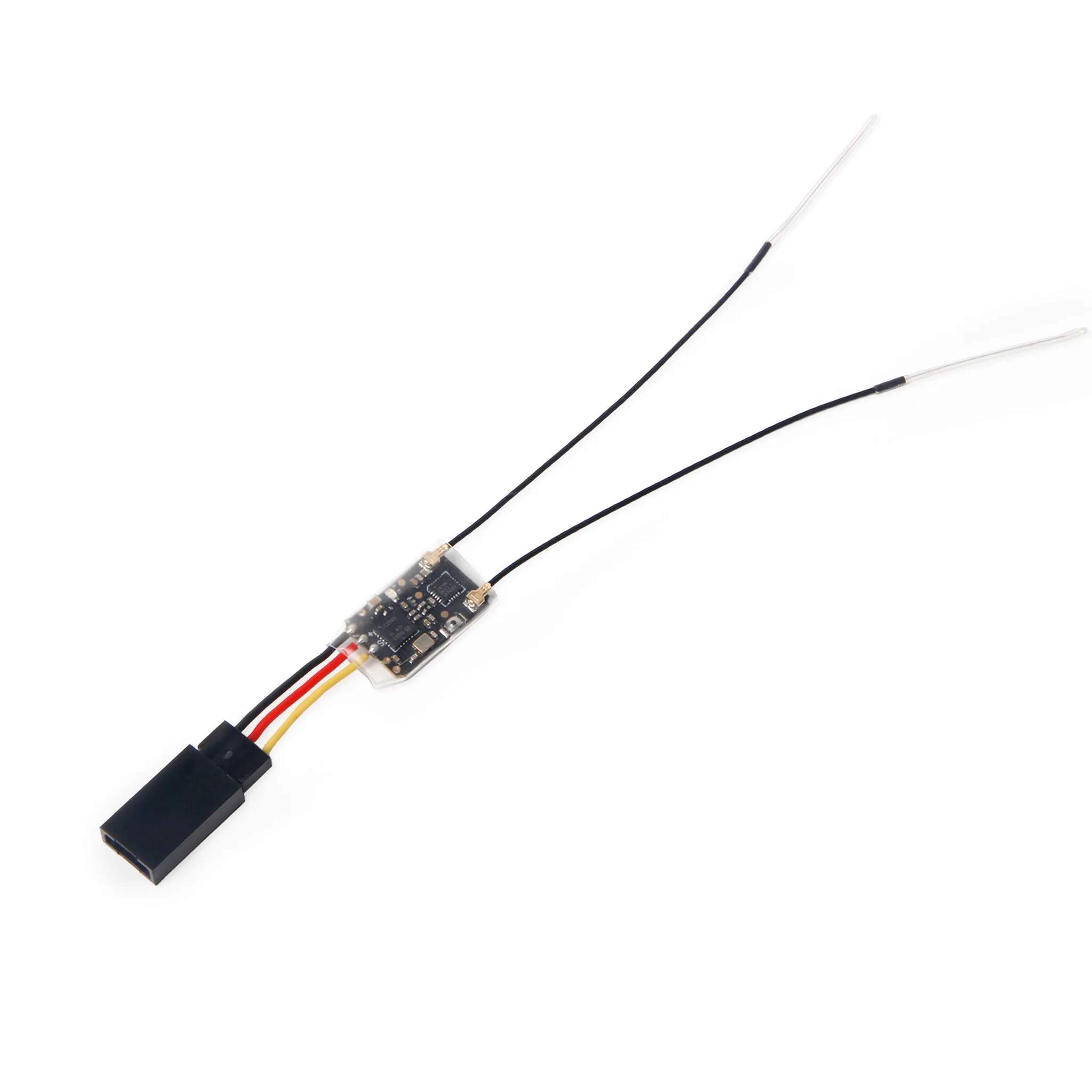
RadioMaster R81 Receiver
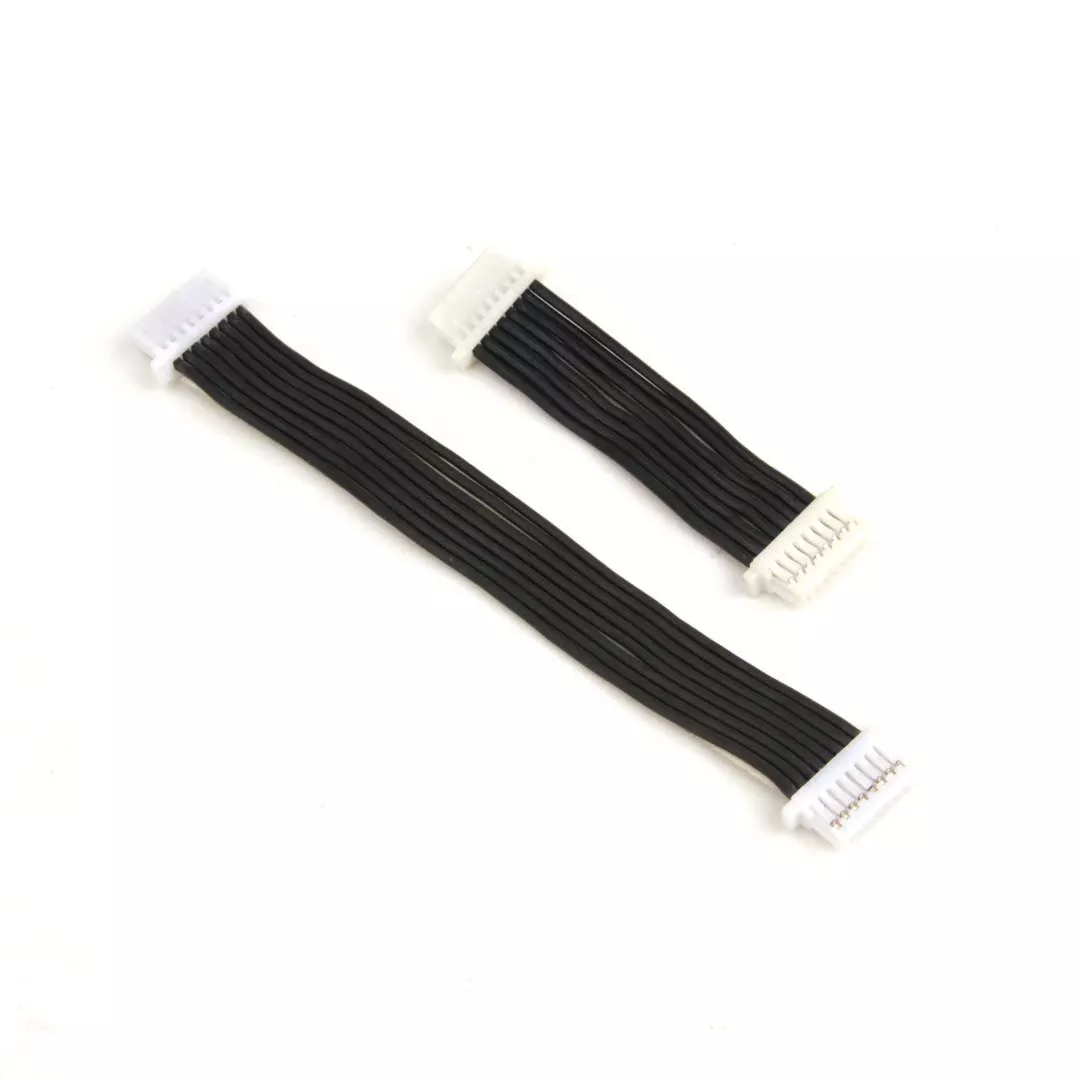
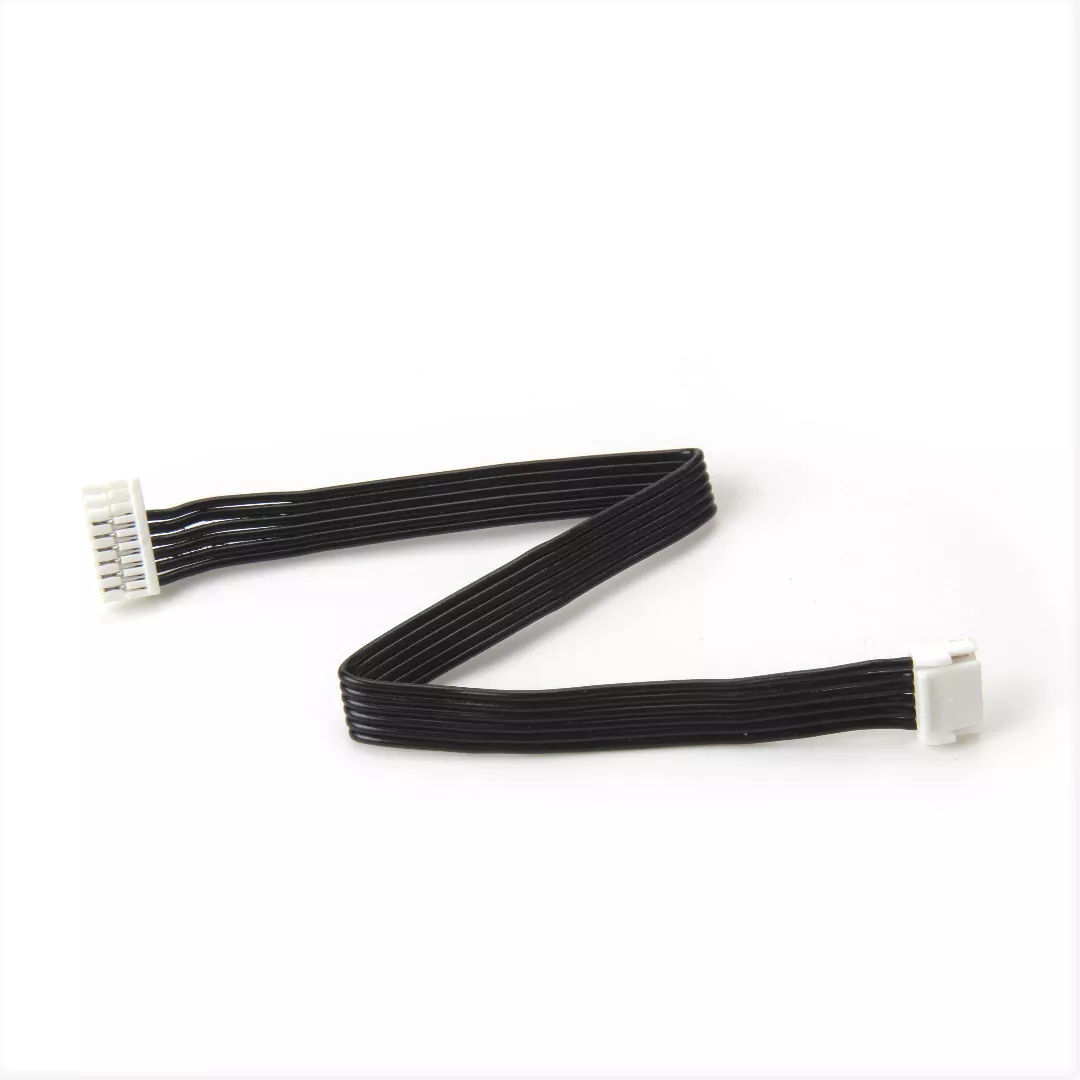
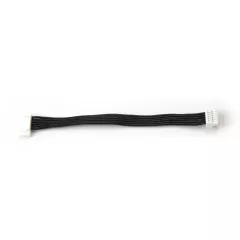
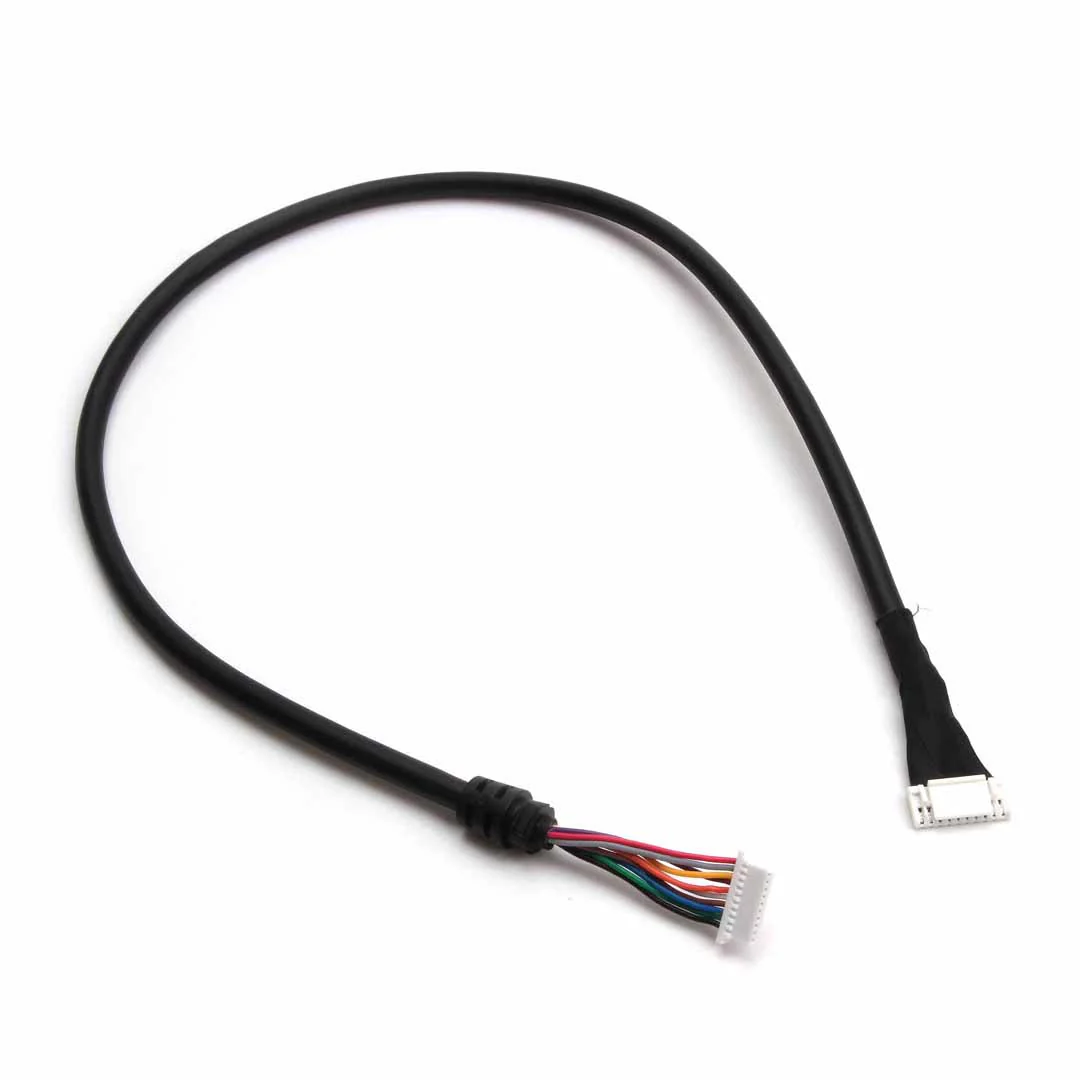
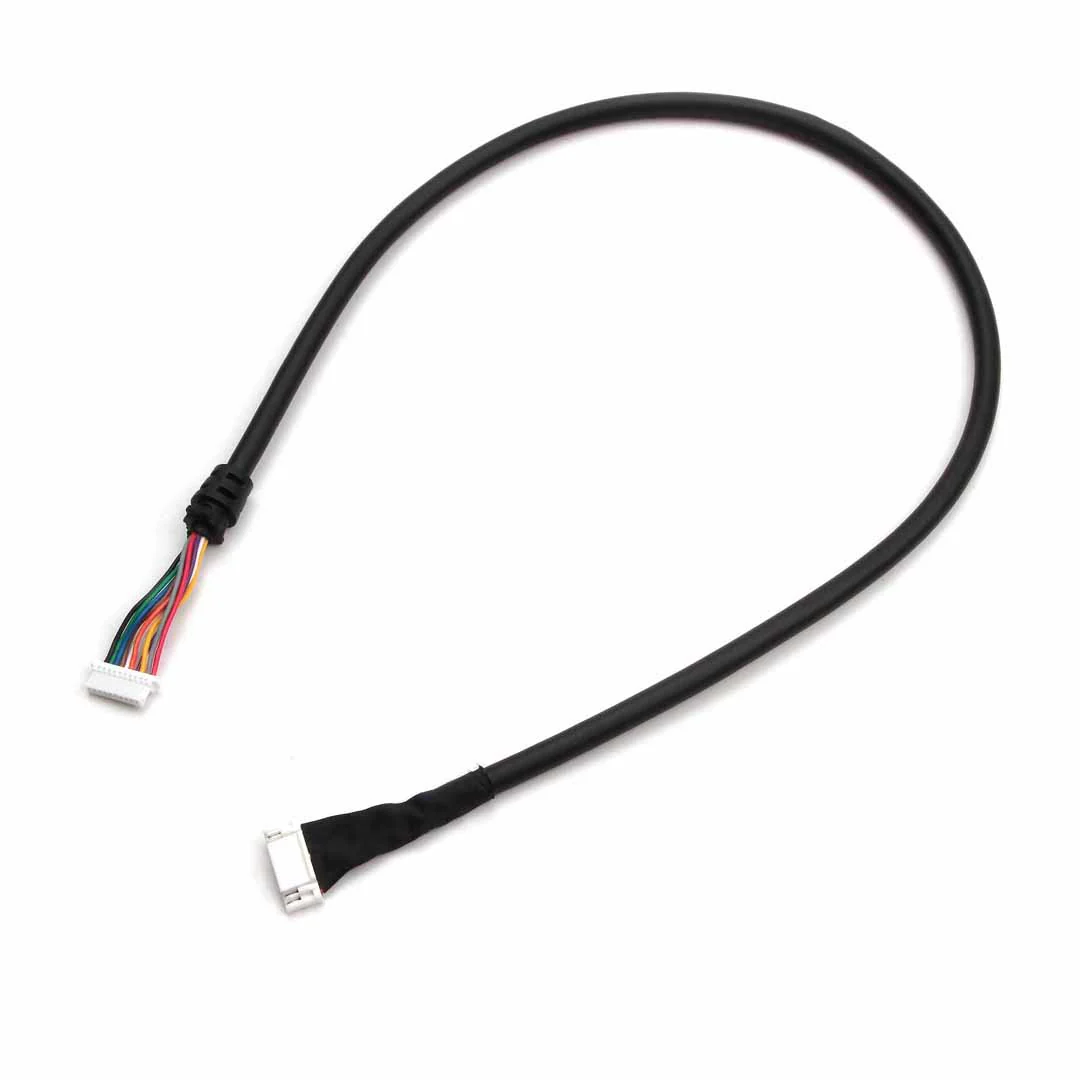
Note: This R81 receiver ships with a Dupont connector pre-soldered. To use with Pixhawk 6X, 6C & Mini, and Pix32 V6. Please connect to the Dupont connector by using the cable provided in the Flight Controller's cable set. See photos for more details.
The receiver LED will not light up when powered without being bound to a remote controller.
Specifications
- Channels: 8CH
- Frequency range: 2400-2483.5Mhz
- Power input range: 4.5-6V
- Signal format: FrSky D8 Compatible
- Output format: SBUS (Inverted)
- Support return: support return RSSI
- Control distance: more than 1km
- Antenna length: approximately 6cm
- Size: 17*11 mm
- Weight: 2g
Includes
- 1x RadioMaster R81 SBUS D8 2.4GHz Nano Receiver (pre-soldered with 3-pin female Dupont connector)
- 2x spare heatshrink tube
- 1x 3-pin male Dupont connector
Bind method:
1. Press and hold the BIND button on the receiver then connect power. After approximately 3 seconds, the receiver LED will be RED, the receiver is now in bind mode
2. Select the D8 protocol for the multi-protocol menu of your remote control, and press the [BIND] option, the red light of the receiver will flash indicating successful bind
3. Exit bind mode on your remote control and disconnect power to the receiver then power the receiver once more. The LED will now be solid RED indicated the bind is now done. If not please repeat steps 1 and 2
Fail-safe Protection:
1. Press the BIND button once within 10 seconds of the receiver being powered on, and the receiver will save all the current channel values of the remote control as the fail-safe value
2. 10 seconds after the receiver is powered on, the BIND button function will be disabled to prevent accidental changes to the fail-safe settings while preparing the model for flight
RSSI output:
This receiver has a total of 9 channels. 8 channels + an RSSI output channel.
Channels 1-8 are controlled by the remote controller, the 9th channel is the signal strength RSSI value output by the receiver itself, which can be read by the flight controller and sent to the OSD device to Show signal strength.
Manuals
Note: This R81 receiver ships with a Dupont connector pre-soldered. To use with Pixhawk 6X, 6C & Mini, and Pix32 V6. Please connect to the Dupont connector by using the cable provided in the Flight Controller's cable set. See photos for more details.
The receiver LED will not light up when powered without being bound to a remote controller.
Specifications
- Channels: 8CH
- Frequency range: 2400-2483.5Mhz
- Power input range: 4.5-6V
- Signal format: FrSky D8 Compatible
- Output format: SBUS (Inverted)
- Support return: support return RSSI
- Control distance: more than 1km
- Antenna length: approximately 6cm
- Size: 17*11 mm
- Weight: 2g
Includes
- 1x RadioMaster R81 SBUS D8 2.4GHz Nano Receiver (pre-soldered with 3-pin female Dupont connector)
- 2x spare heatshrink tube
- 1x 3-pin male Dupont connector
Bind method:
1. Press and hold the BIND button on the receiver then connect power. After approximately 3 seconds, the receiver LED will be RED, the receiver is now in bind mode
2. Select the D8 protocol for the multi-protocol menu of your remote control, and press the [BIND] option, the red light of the receiver will flash indicating successful bind
3. Exit bind mode on your remote control and disconnect power to the receiver then power the receiver once more. The LED will now be solid RED indicated the bind is now done. If not please repeat steps 1 and 2
Fail-safe Protection:
1. Press the BIND button once within 10 seconds of the receiver being powered on, and the receiver will save all the current channel values of the remote control as the fail-safe value
2. 10 seconds after the receiver is powered on, the BIND button function will be disabled to prevent accidental changes to the fail-safe settings while preparing the model for flight
RSSI output:
This receiver has a total of 9 channels. 8 channels + an RSSI output channel.
Channels 1-8 are controlled by the remote controller, the 9th channel is the signal strength RSSI value output by the receiver itself, which can be read by the flight controller and sent to the OSD device to Show signal strength.
Manuals
Original: $17.99
-70%$17.99
$5.40Description
Note: This R81 receiver ships with a Dupont connector pre-soldered. To use with Pixhawk 6X, 6C & Mini, and Pix32 V6. Please connect to the Dupont connector by using the cable provided in the Flight Controller's cable set. See photos for more details.
The receiver LED will not light up when powered without being bound to a remote controller.
Specifications
- Channels: 8CH
- Frequency range: 2400-2483.5Mhz
- Power input range: 4.5-6V
- Signal format: FrSky D8 Compatible
- Output format: SBUS (Inverted)
- Support return: support return RSSI
- Control distance: more than 1km
- Antenna length: approximately 6cm
- Size: 17*11 mm
- Weight: 2g
Includes
- 1x RadioMaster R81 SBUS D8 2.4GHz Nano Receiver (pre-soldered with 3-pin female Dupont connector)
- 2x spare heatshrink tube
- 1x 3-pin male Dupont connector
Bind method:
1. Press and hold the BIND button on the receiver then connect power. After approximately 3 seconds, the receiver LED will be RED, the receiver is now in bind mode
2. Select the D8 protocol for the multi-protocol menu of your remote control, and press the [BIND] option, the red light of the receiver will flash indicating successful bind
3. Exit bind mode on your remote control and disconnect power to the receiver then power the receiver once more. The LED will now be solid RED indicated the bind is now done. If not please repeat steps 1 and 2
Fail-safe Protection:
1. Press the BIND button once within 10 seconds of the receiver being powered on, and the receiver will save all the current channel values of the remote control as the fail-safe value
2. 10 seconds after the receiver is powered on, the BIND button function will be disabled to prevent accidental changes to the fail-safe settings while preparing the model for flight
RSSI output:
This receiver has a total of 9 channels. 8 channels + an RSSI output channel.
Channels 1-8 are controlled by the remote controller, the 9th channel is the signal strength RSSI value output by the receiver itself, which can be read by the flight controller and sent to the OSD device to Show signal strength.